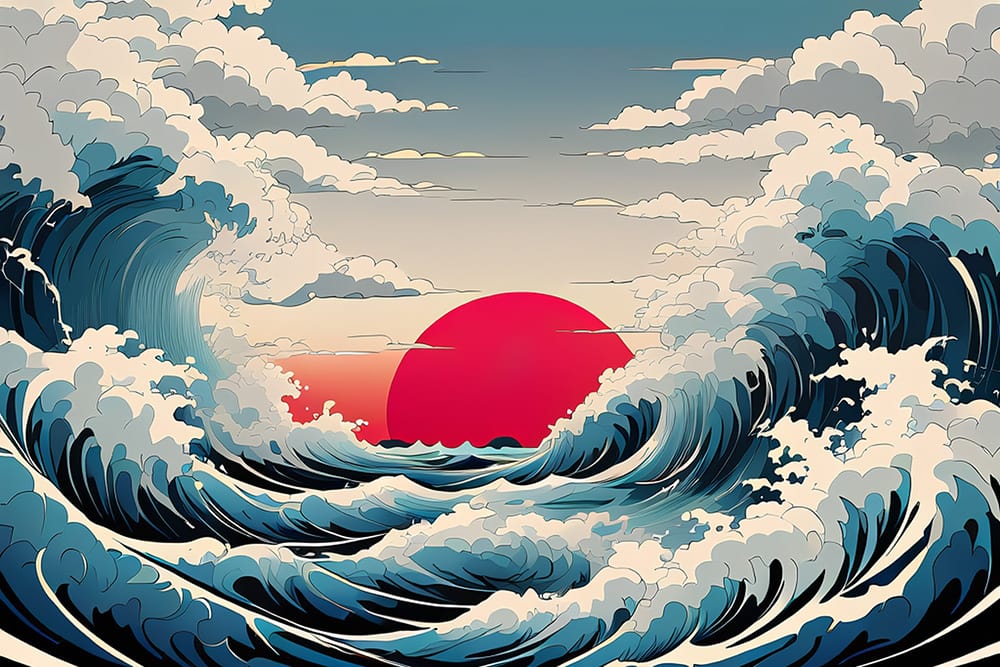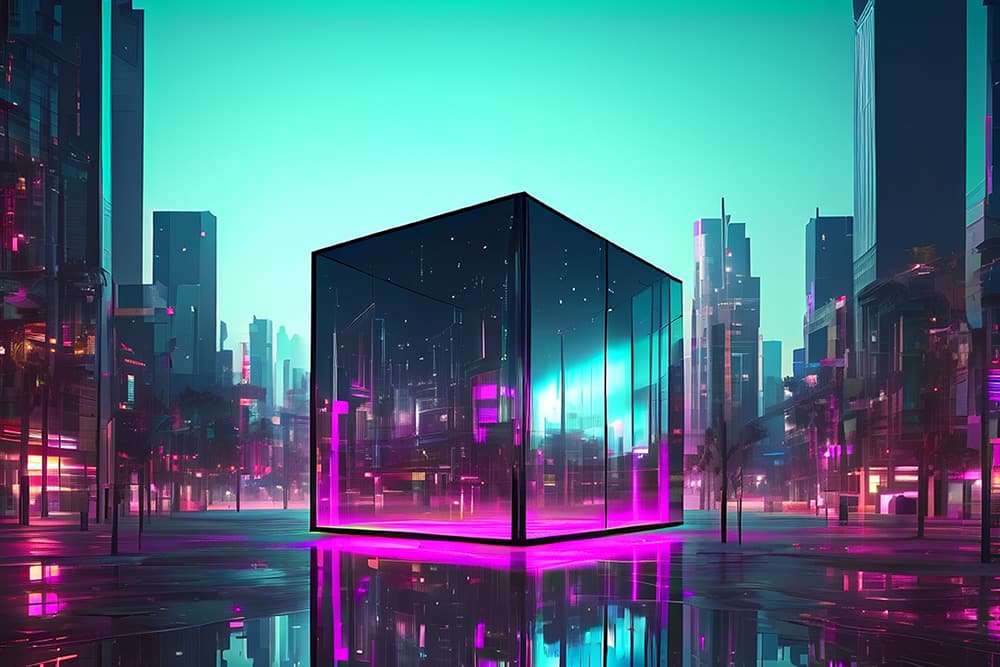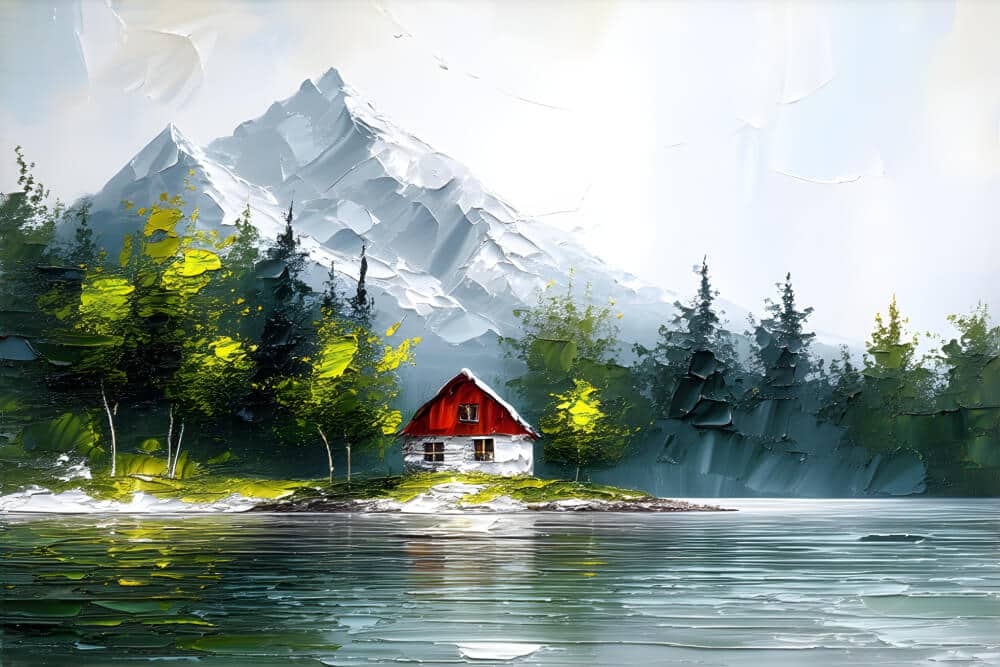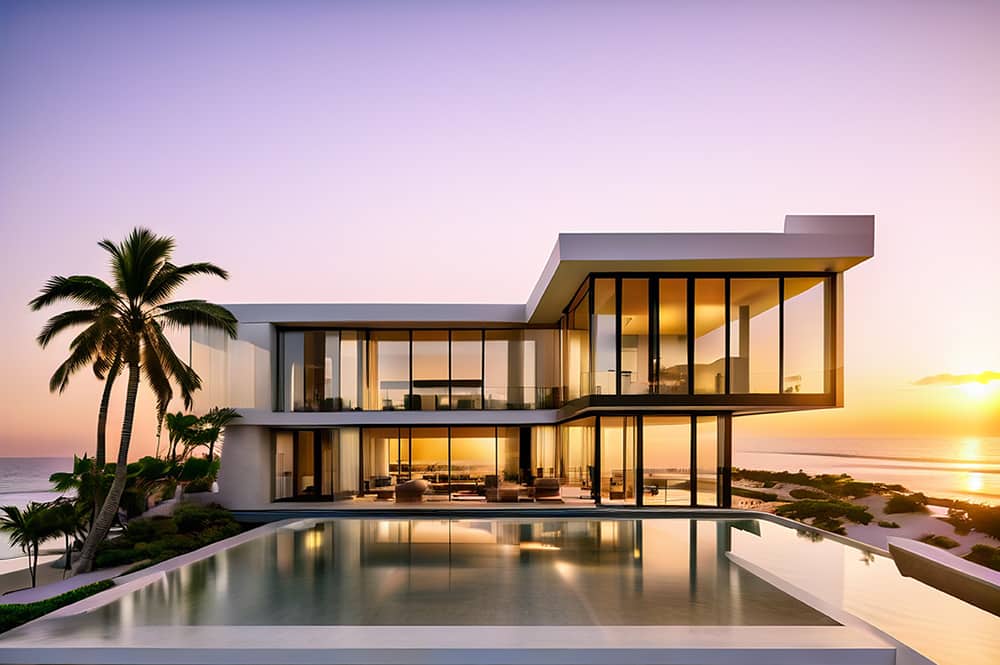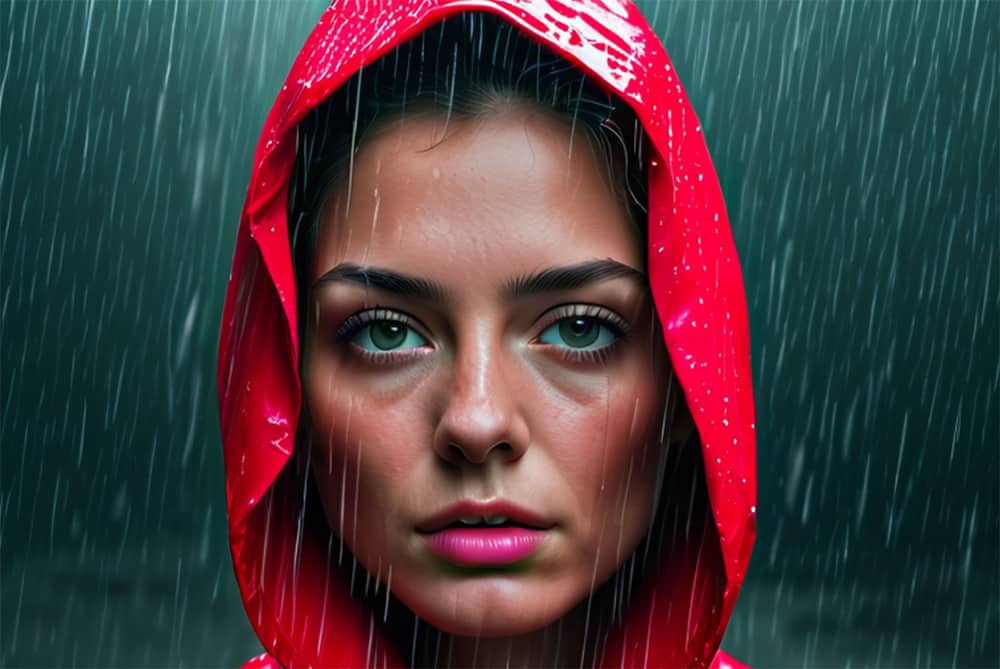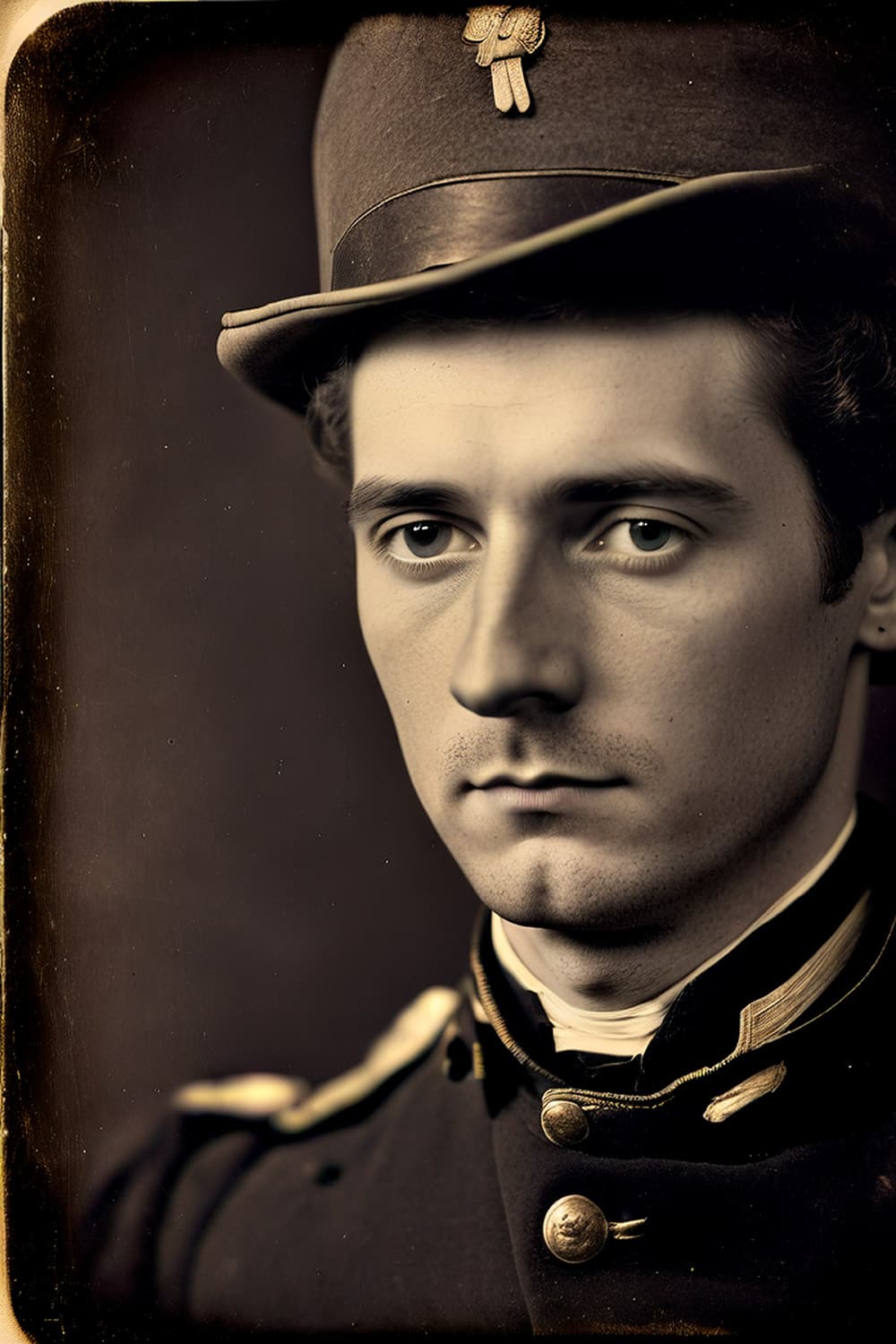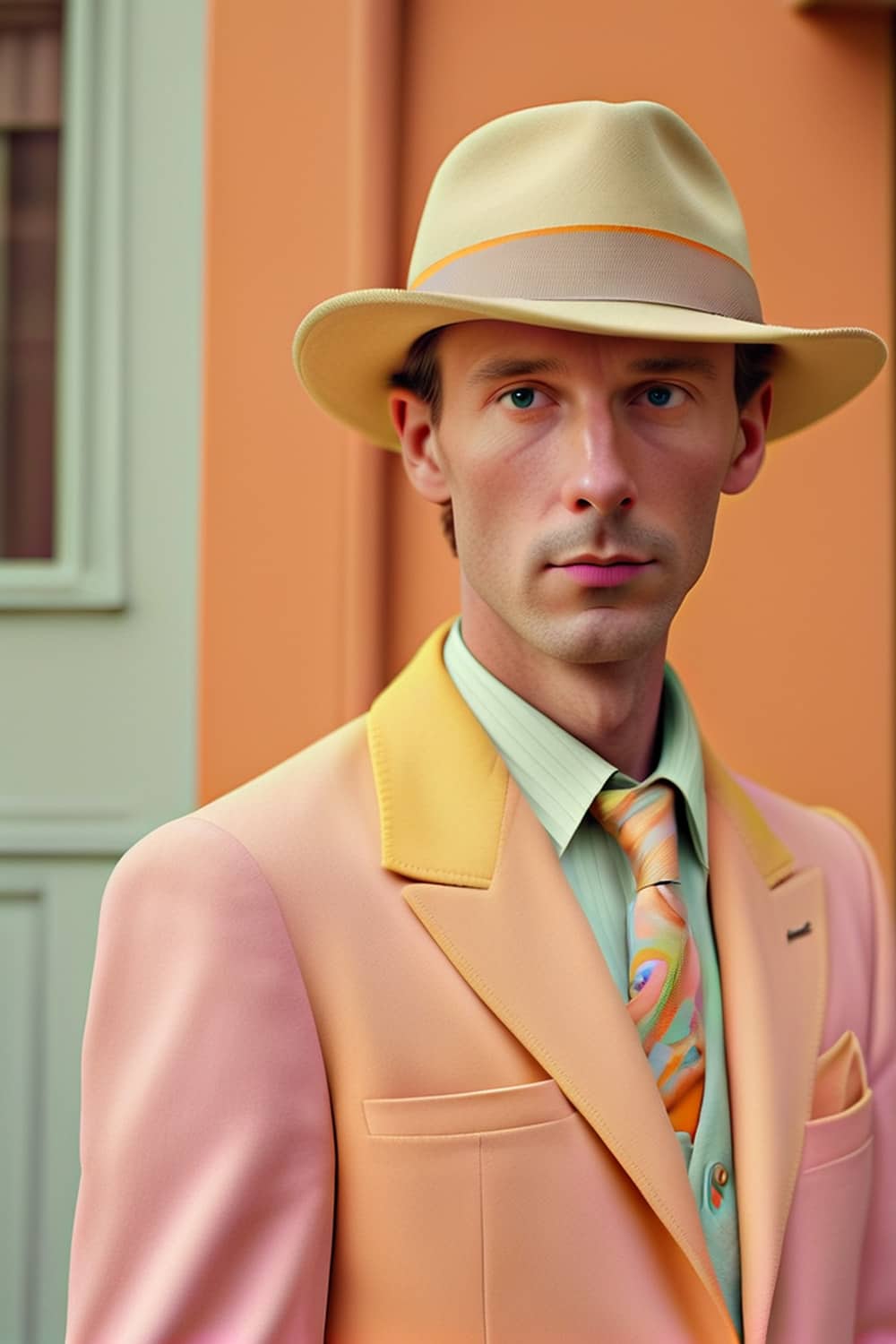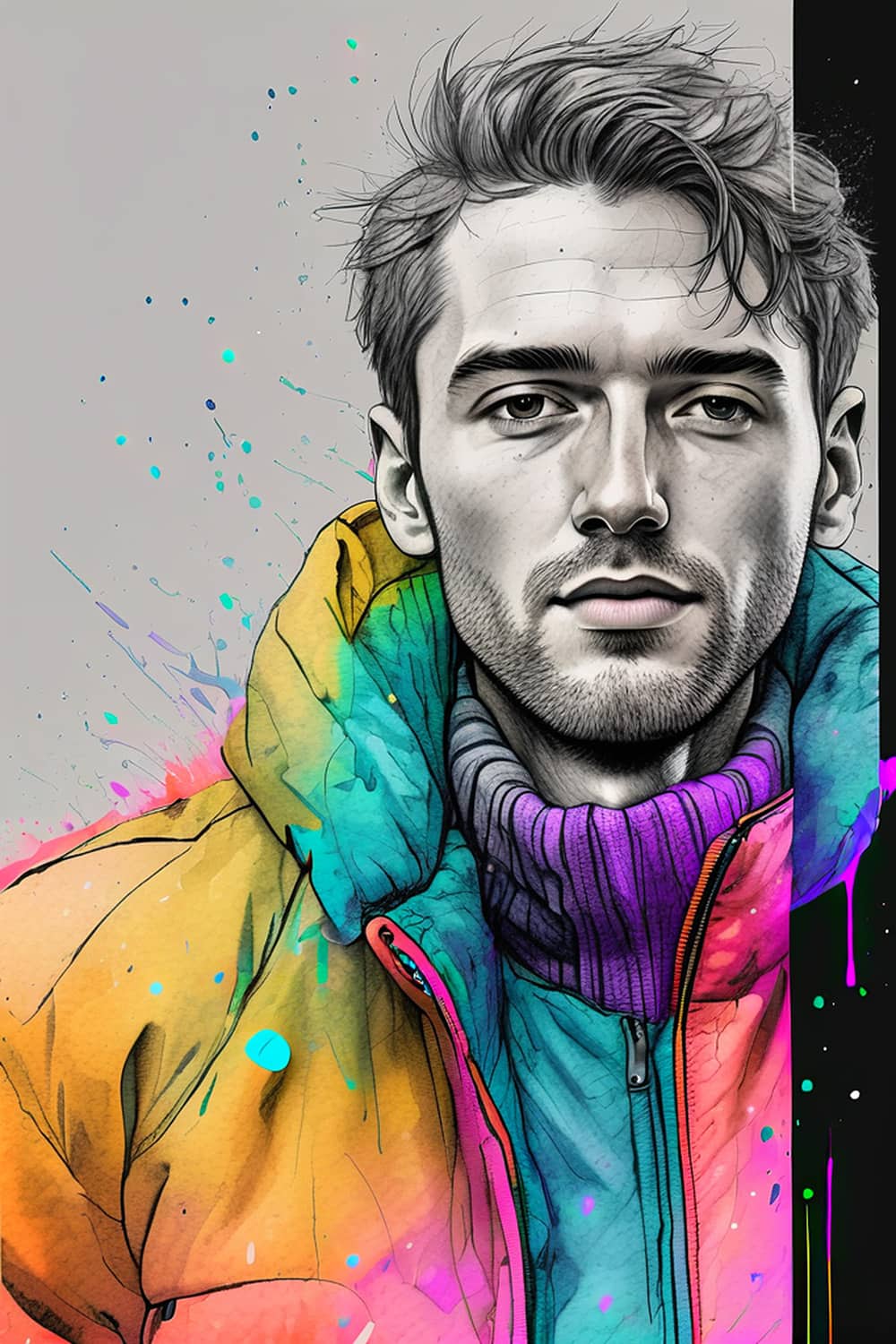
Vision FX Artistic odyssey without limits

Vision FX combines intelligent AI image editing tools, powerful image transformation, and unlimited creative freedom in one easy-to-use application.

New in 3.0: AI-powered image transformation & editing, background removal, smart crop and more!

Vision FX AI image transformation

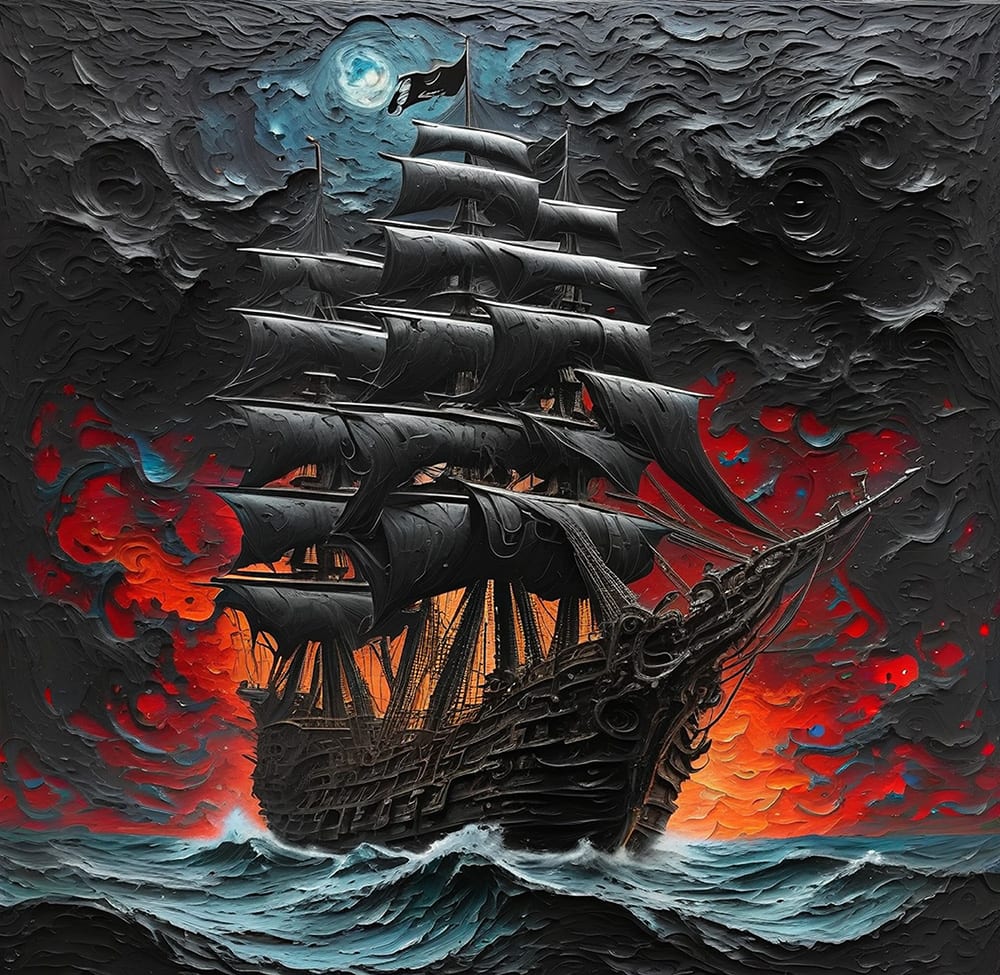
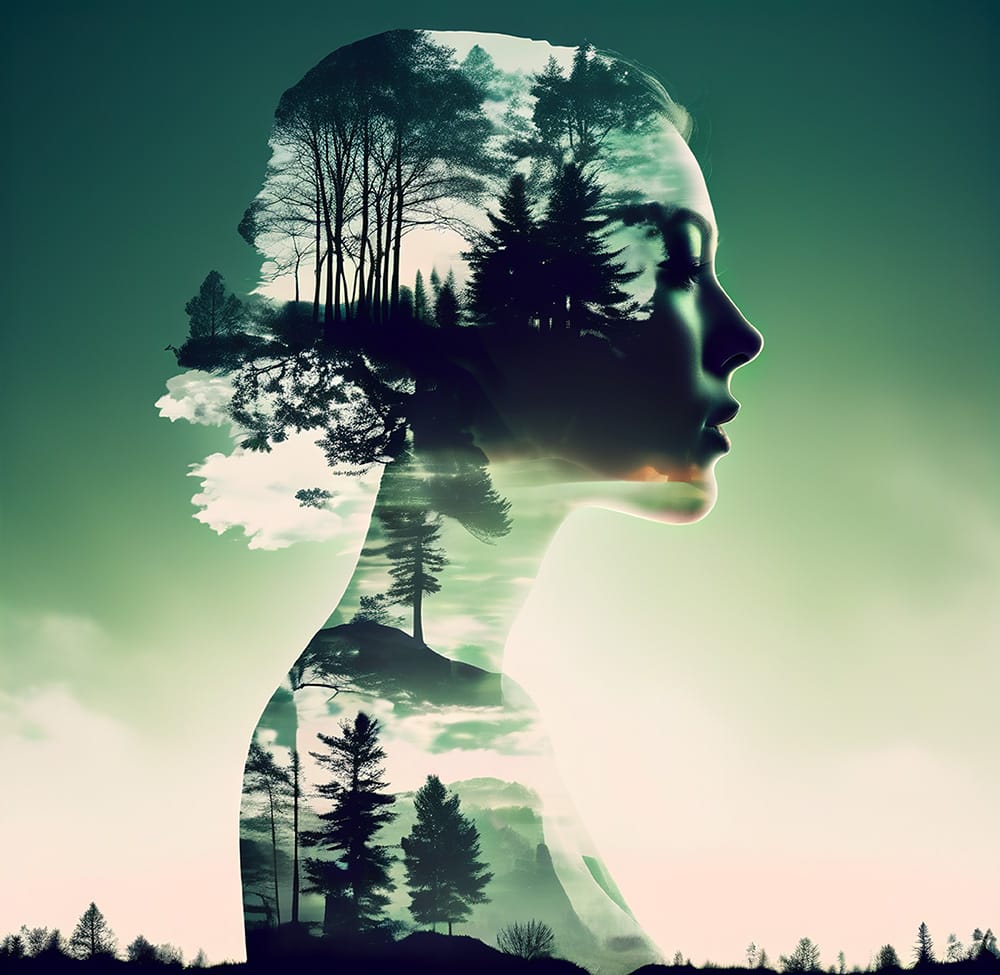
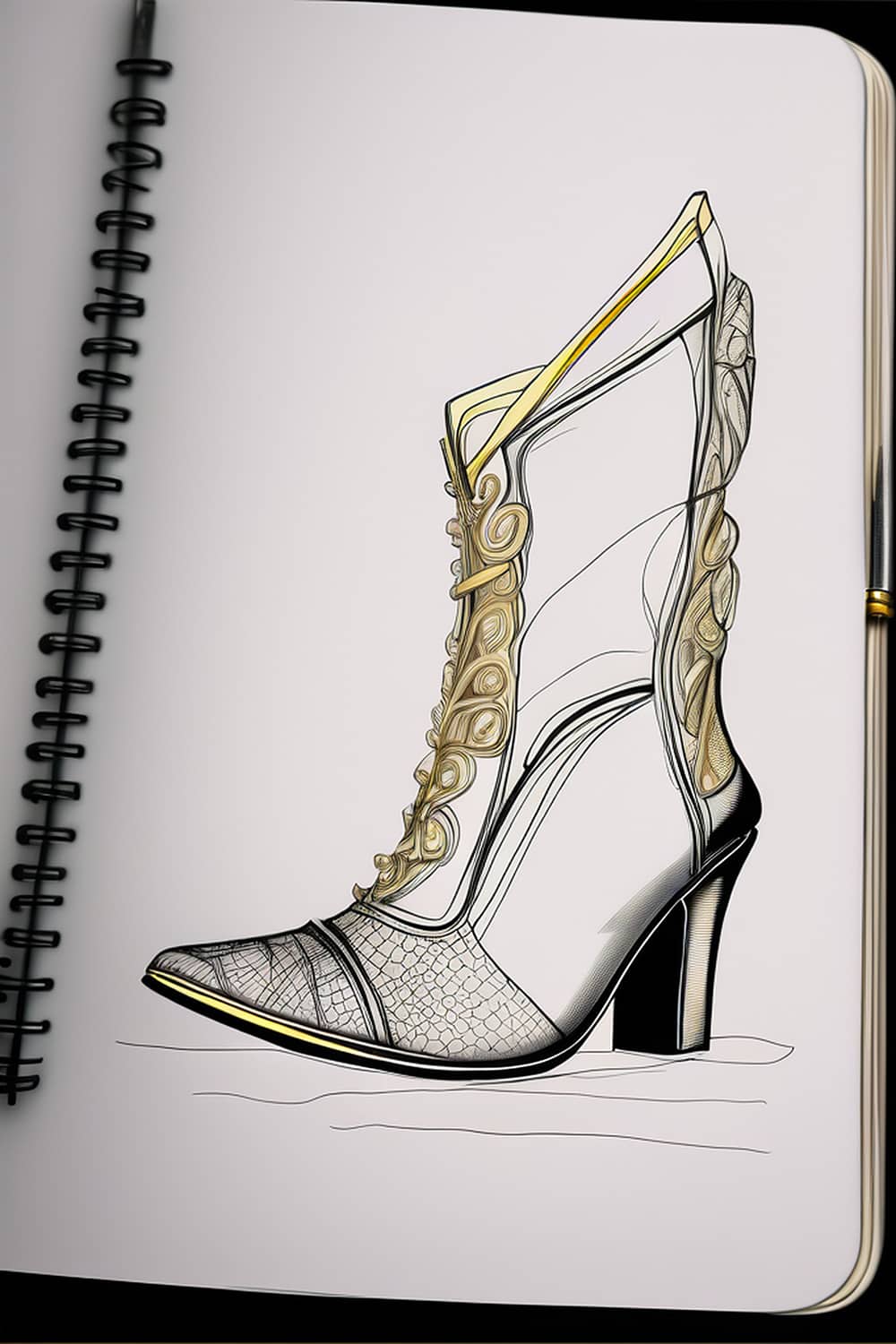
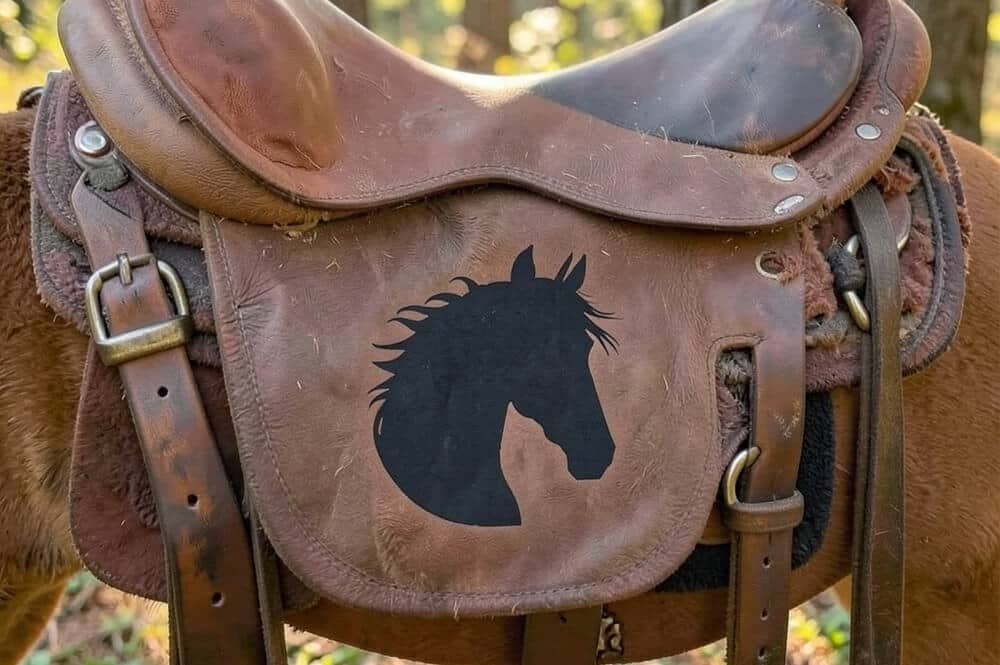
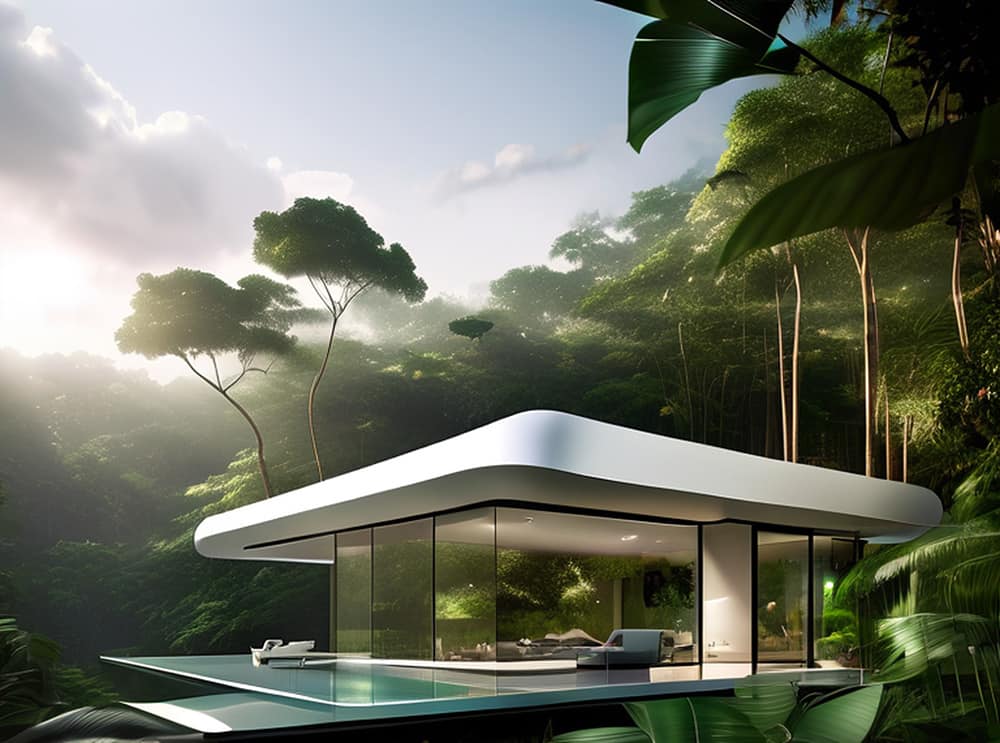
Transform photos into imaginative art pieces with AI-powered generative superpower that Vision FX delivers. Feel yourself both an artist and innovator while experimenting with a variety of different styles. Edit your images with new incredible tools allowing you to change colors, styles, remove crowds or background, and imagine endless new variations.

Welcome Vision FX 3.0!

What’s new?

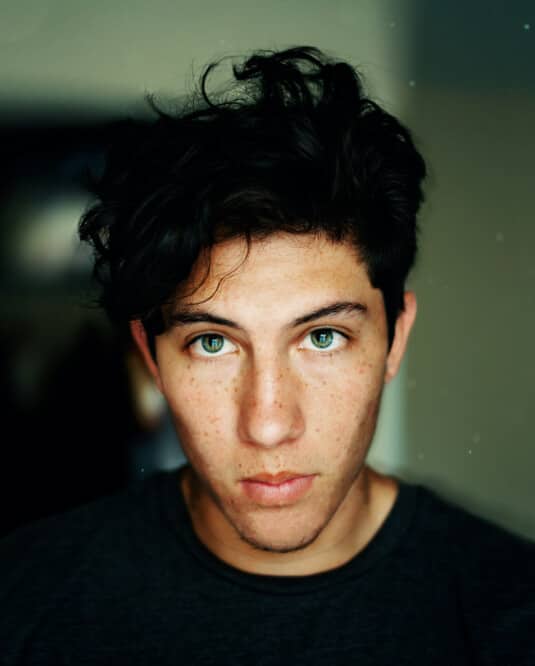
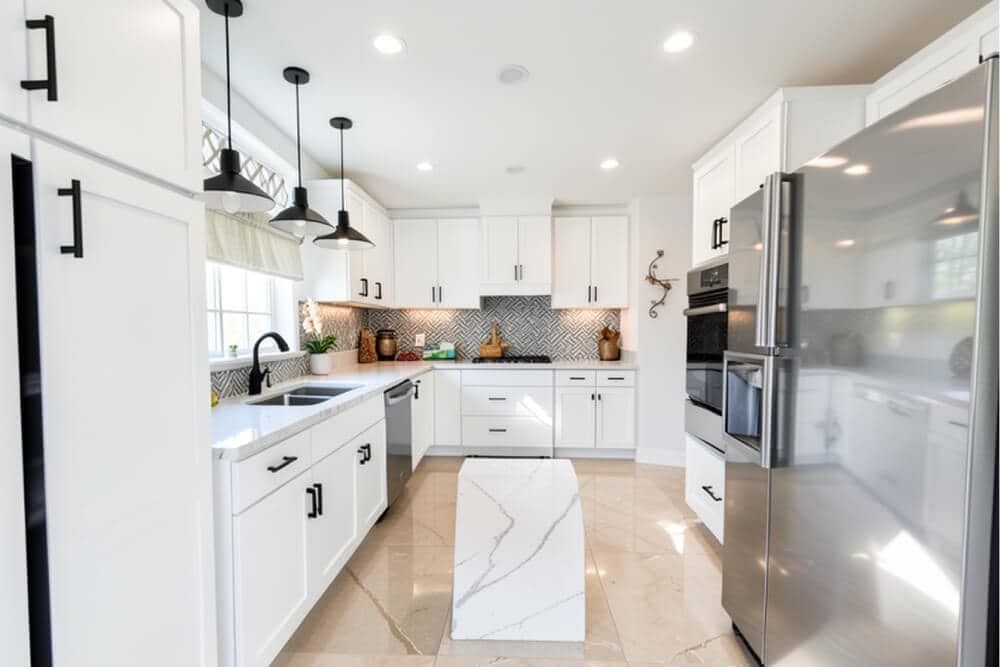
  • Before
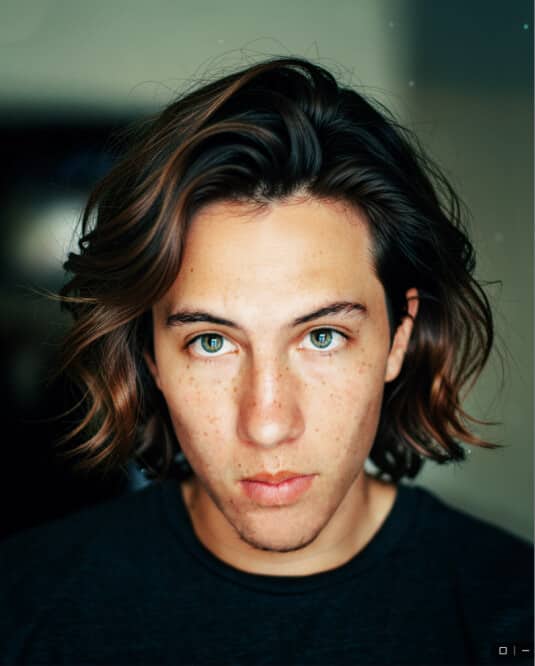
  • After

AI-powered image transformation

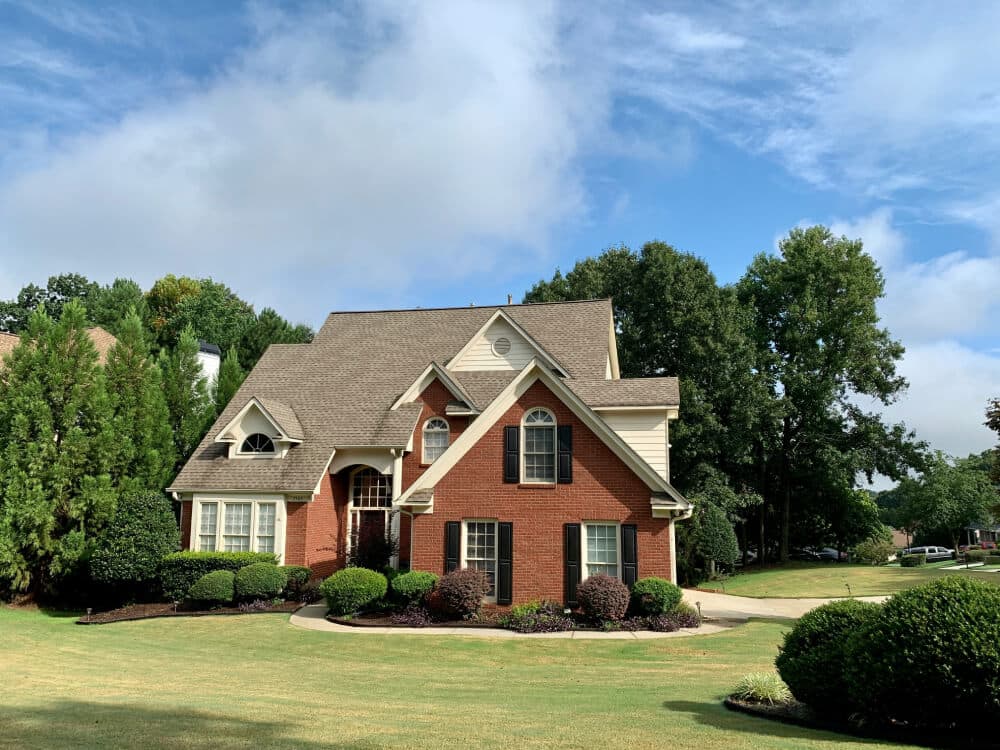
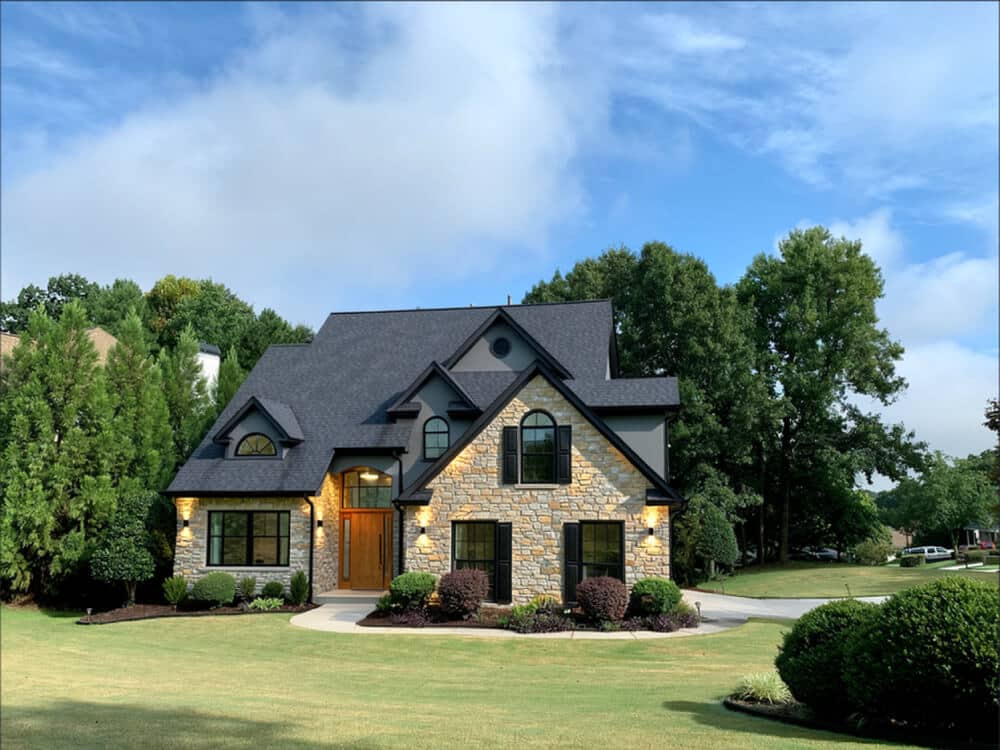
Transform existing images into entirely new creative experiences using simple text instructions. Reimagine photographs, artwork, concept designs, renders, illustrations, and more while maintaining control over the final result.

AI-powered image editing

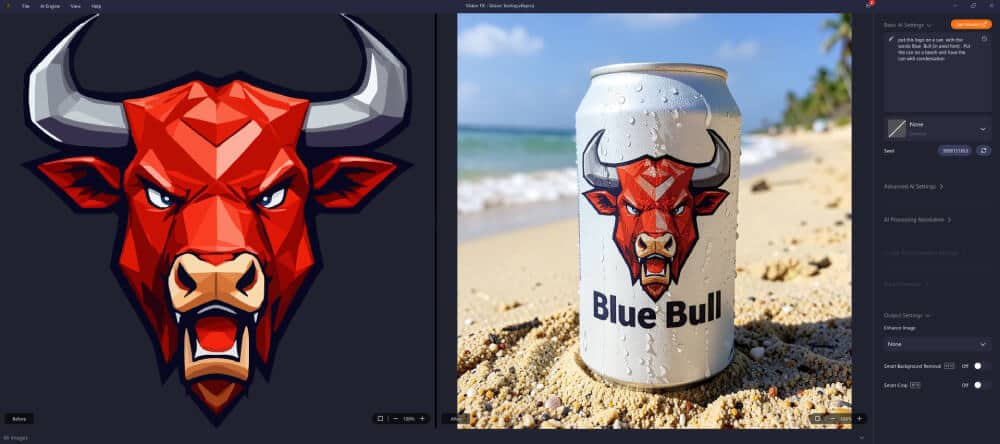
Edit images using simple text instructions. Describe the changes you'd like to make and Vision FX intelligently transforms your image while preserving the important details and visual integrity of your original work.

Intelligent background removal

Remove backgrounds in seconds. Create clean cutouts for product photography, marketing materials, social media content, presentations, e-commerce projects, and professional creative workflows. No complex selections. No tedious masking. Just fast, professional results.

Smart Crop

Focus the transformation where it matters most. Smart Crop automatically identifies the most important subject or region of your image and prepares it for AI transformation. This helps Vision FX apply edits and creative changes exactly where you want it, improving results while keeping the workflow simple.

Welcome Vision FX!

Redesigned user experience

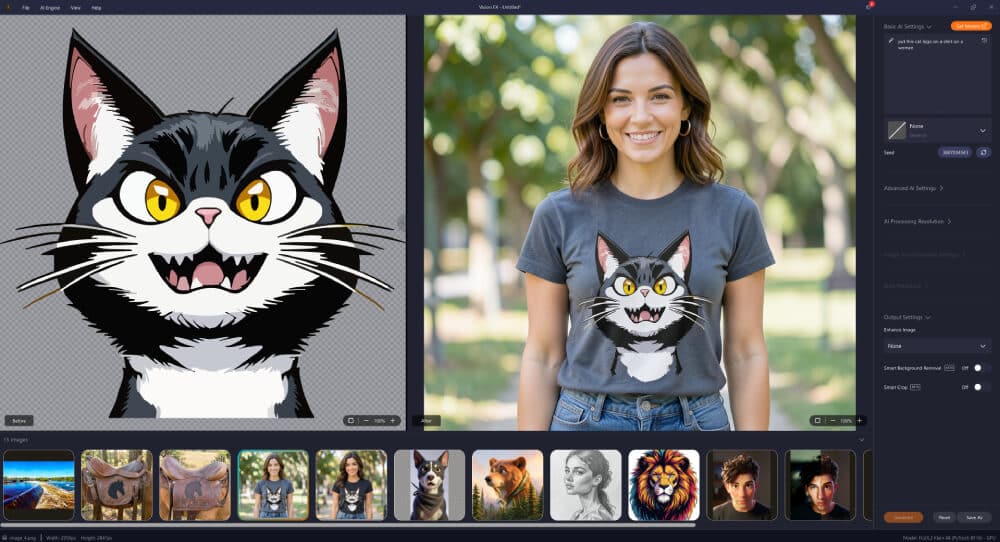
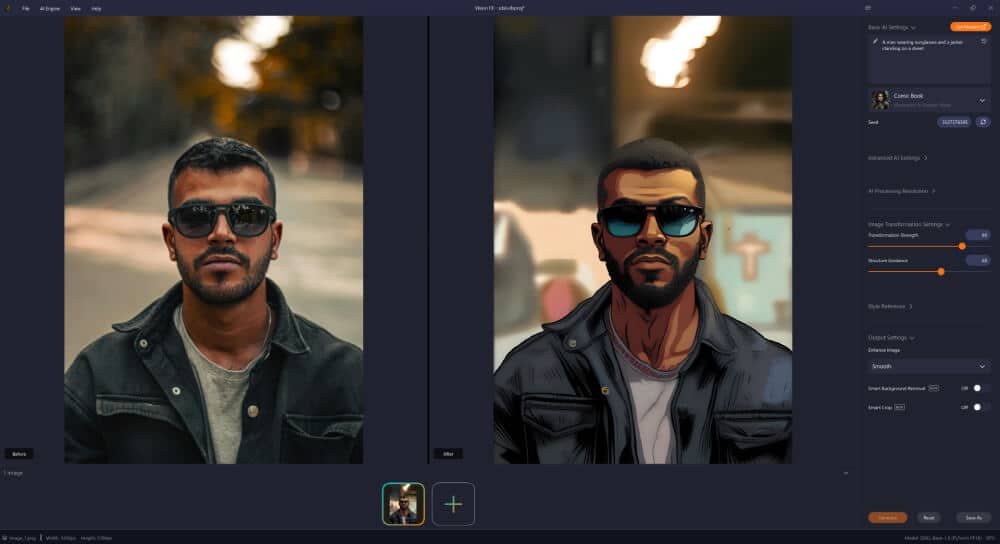
Vision FX 3.0 now works as a standalone application. This release introduces a modernized user interface designed to make image transformation and creative exploration faster, simpler, and more intuitive. Whether you're a new user or upgrading from an earlier version, Vision FX 3.0 delivers a smoother and more enjoyable creative experience from start to finish.

  • Before
  • After

Also new in 3.0:

  • Structure guidance: Helps preserve important visual elements.
  • Style reference: Use a reference image to guide the artistic style of your transformations.
  • Expanded AI models: Allowing you to choose the best tool for your project.
  • Batch Processing & multiple variations: Explore more creative possibilities from a single image.
  • Creative presets: Jumpstart your creativity with professionally designed presets.

Vision FX is one of the best AI art generators from photos.
Here’s why:

Easy and intuitive

Easy and intuitive

The application is accessible for everyone, beginners and professionals alike, no special skills required. Modern-looking interface makes it clear to navigate through the control panel. You don’t need to be a professional designer, advanced digital creator, or experienced photo editor to get impressive results.
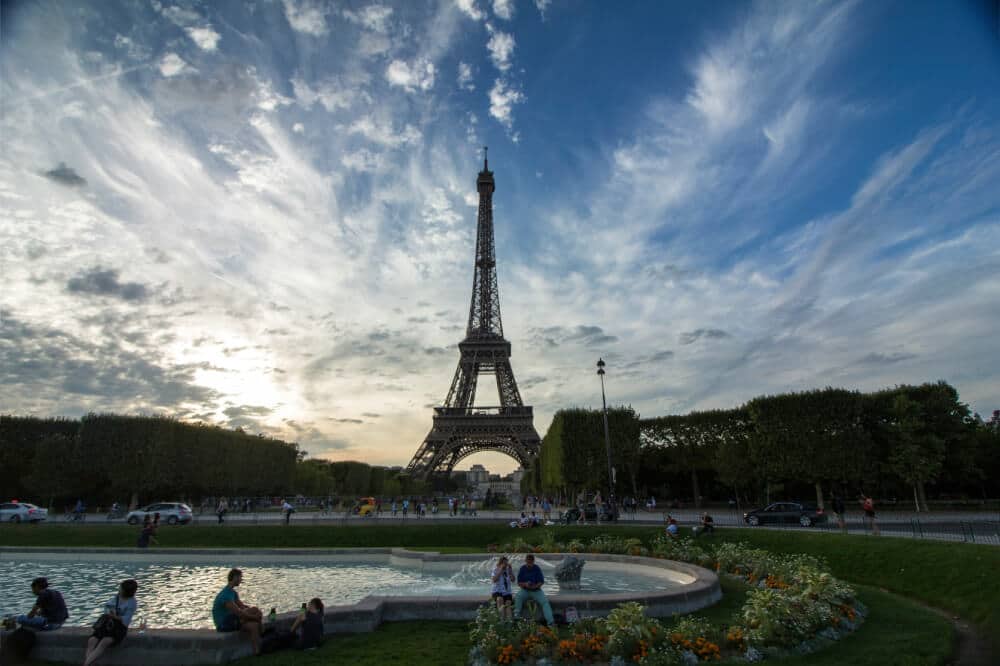
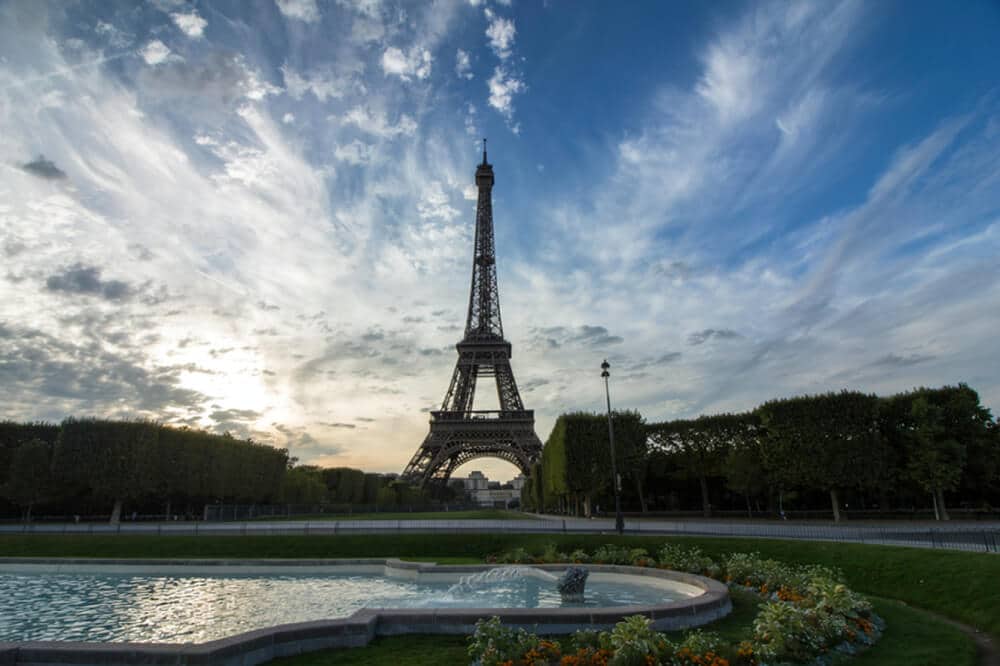
  • Before
  • After

Powerful AI-driven functionality

AI-driven functionality allows you to generate endless visual variations of an image based on the keywords and descriptions you provided. No presets, no templates, and no replication. Your results will be truly unique every time.
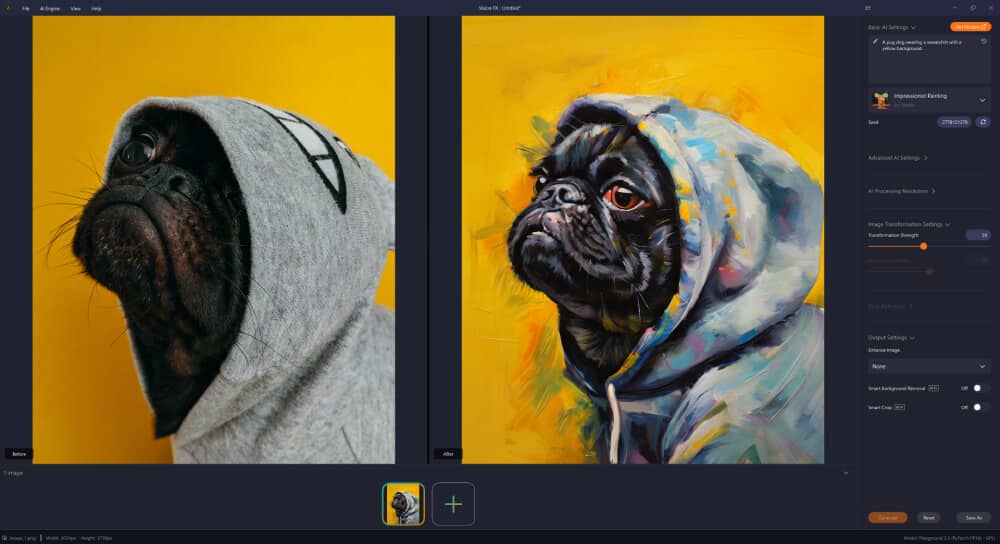
Private and secure

Private and secure

Ensures security and privacy, as Vision FX is local to your device. Enjoy peace of mind knowing your images and data are not being stored in the cloud. No signing over the rights to your images and data; your images and personal data stay with you.
Affordable

Affordable

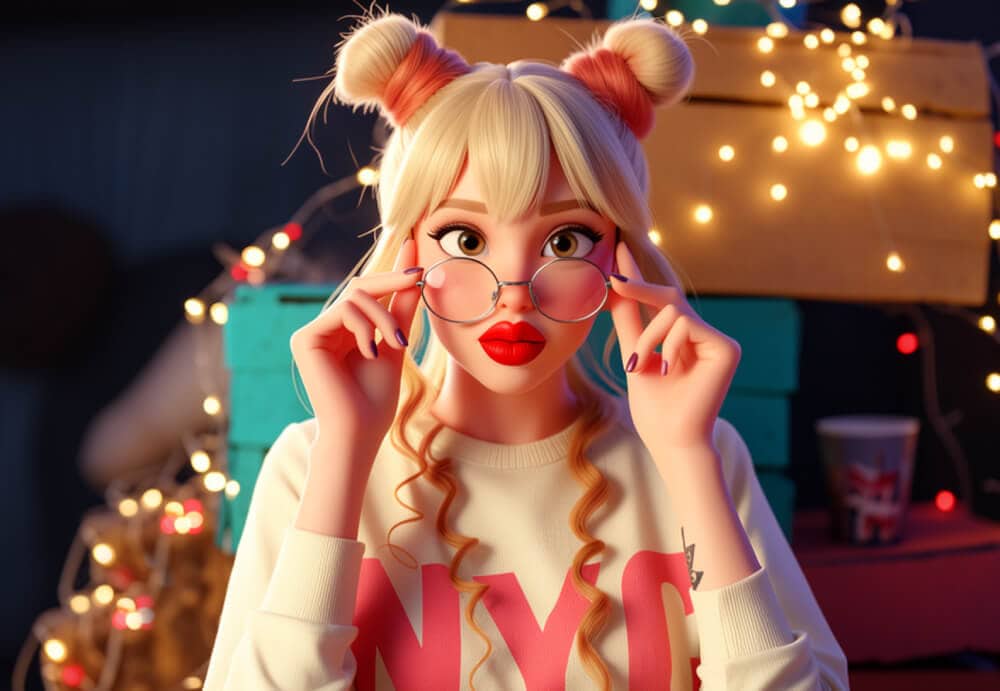
One-time purchase for endless creative possibilities. Use Vision FX as much as you want without limits—no subscription or tokens required.
Flexible

Flexible

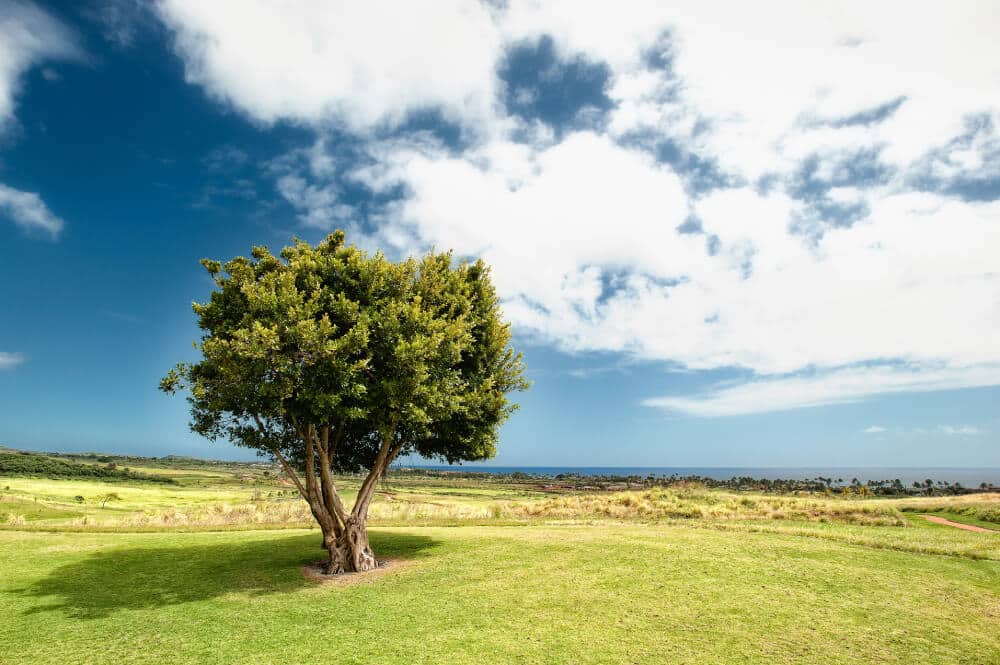
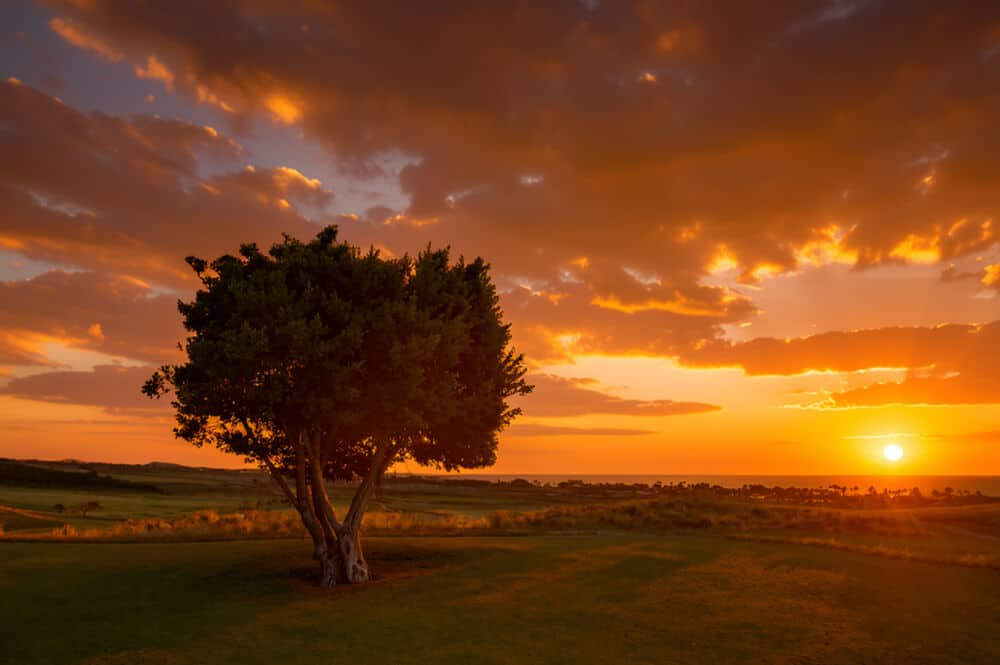
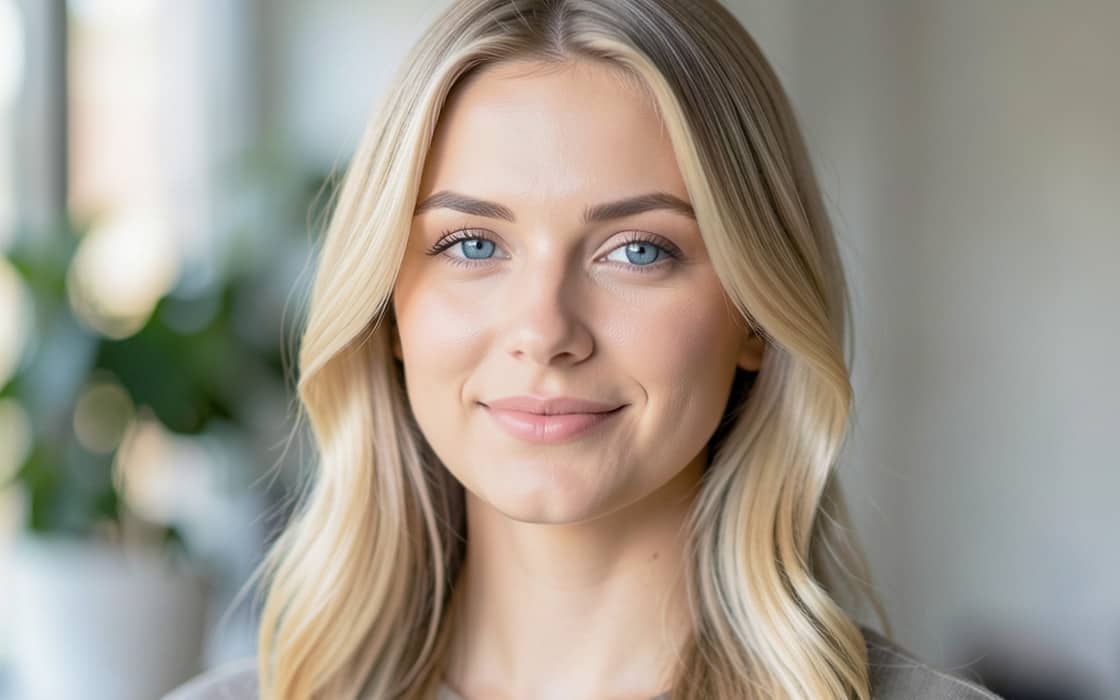
Equipped with an excellent before/after preview slider to quickly visualize results and packed with fine-tuning tools for creative control. Keep your final image closer to the original one or create something wholly new depending on the degree of modification you request.
Here’s how to create AI-generated art in these 3 simple steps:

  1. Open your image in Vision FX

    Start with a photo, illustration, design, rendering, concept sketch, or any image you'd like to transform.

  2. Describe your vision

    Simply tell Vision FX what you'd like to create. Change styles, enhance details, redesign scenes, or explore entirely new creative directions using natural language.

  3. Generate & refine

    Create multiple variations, experiment with presets, and fine-tune your results until they're exactly what you envisioned.

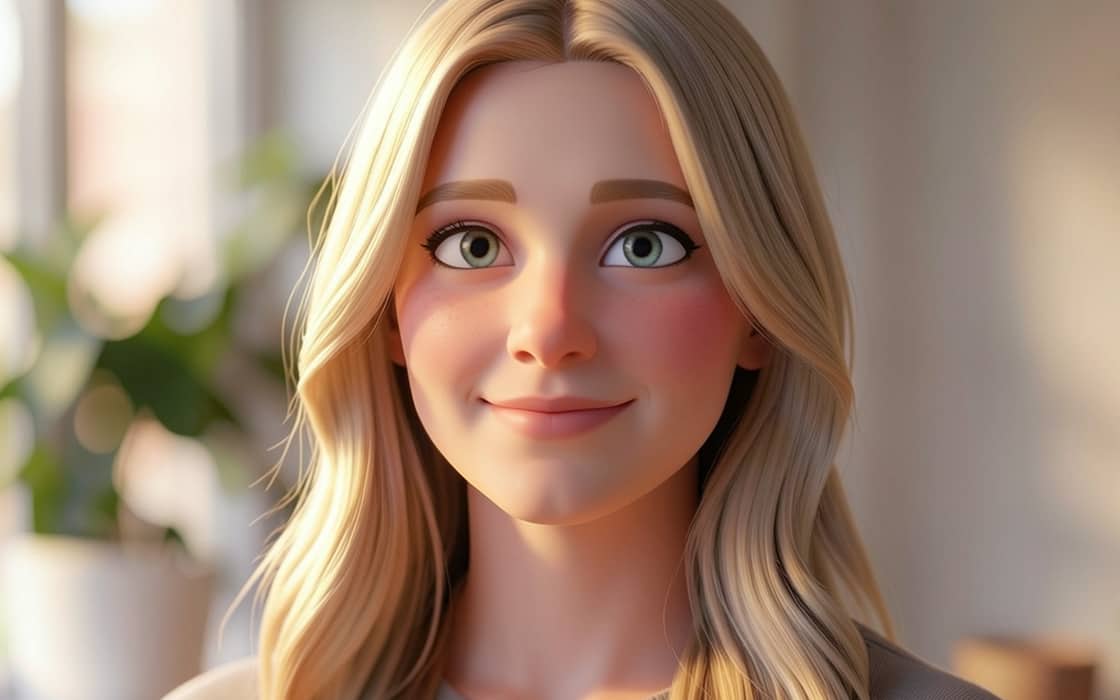
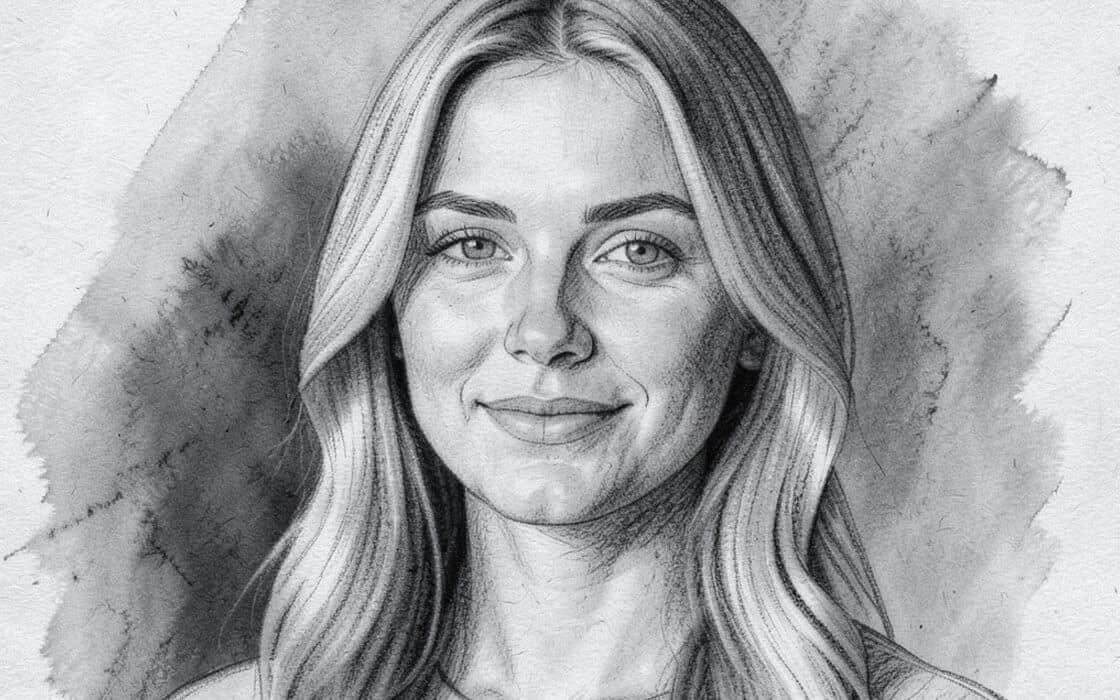
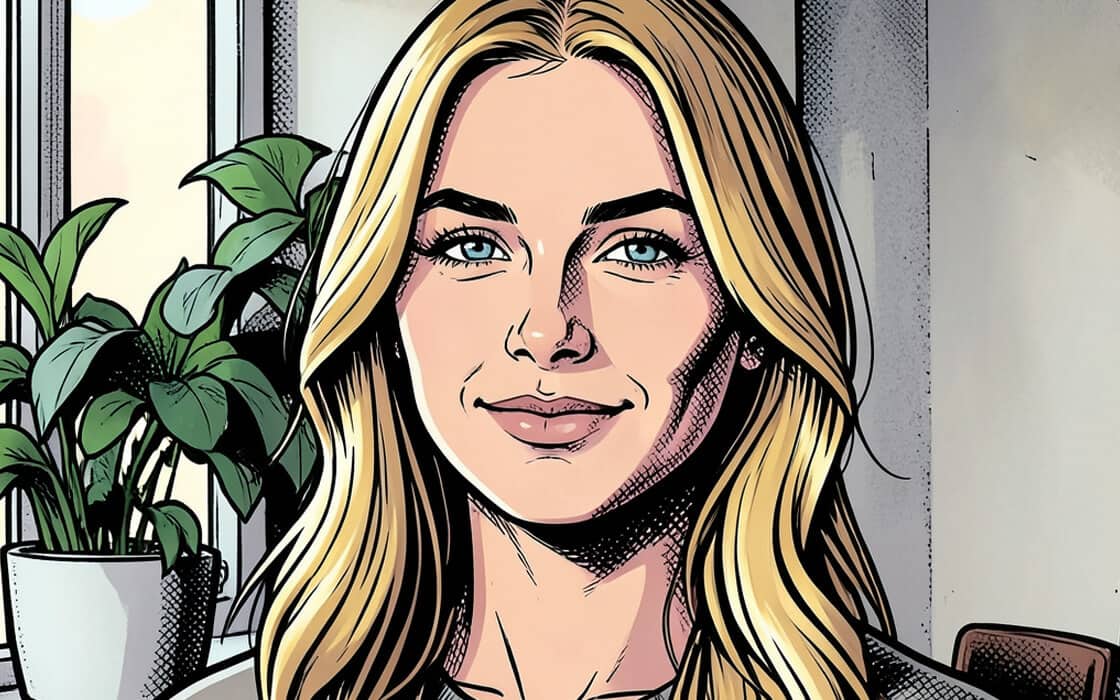
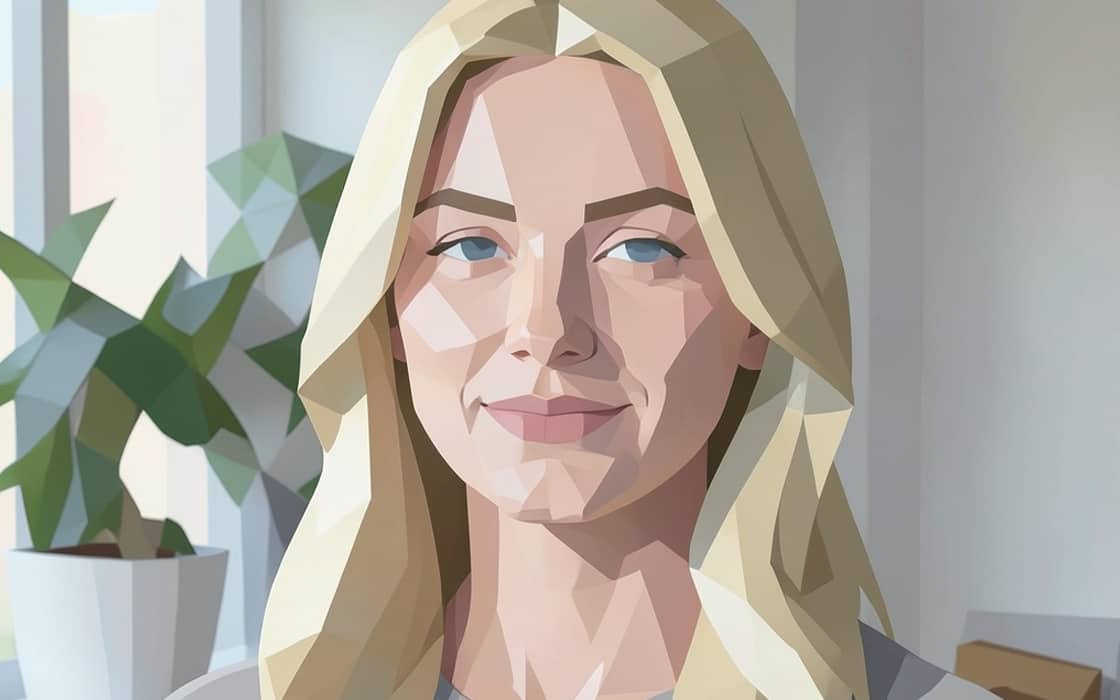
Original

Acrylic painting

Anime

CGI animation

Charcoal sketch

Comic book

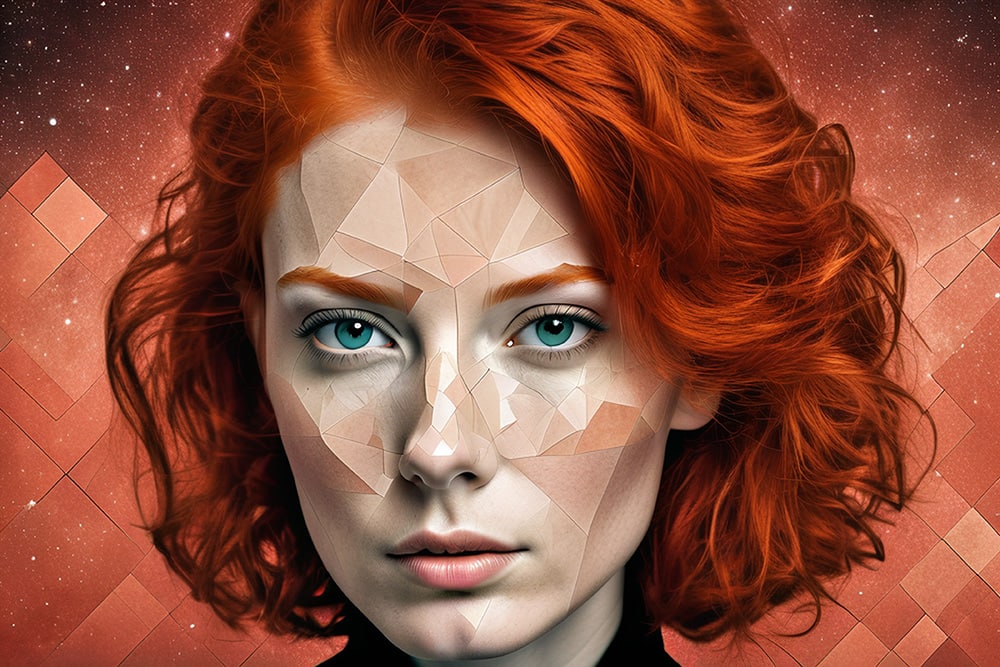
Low poly

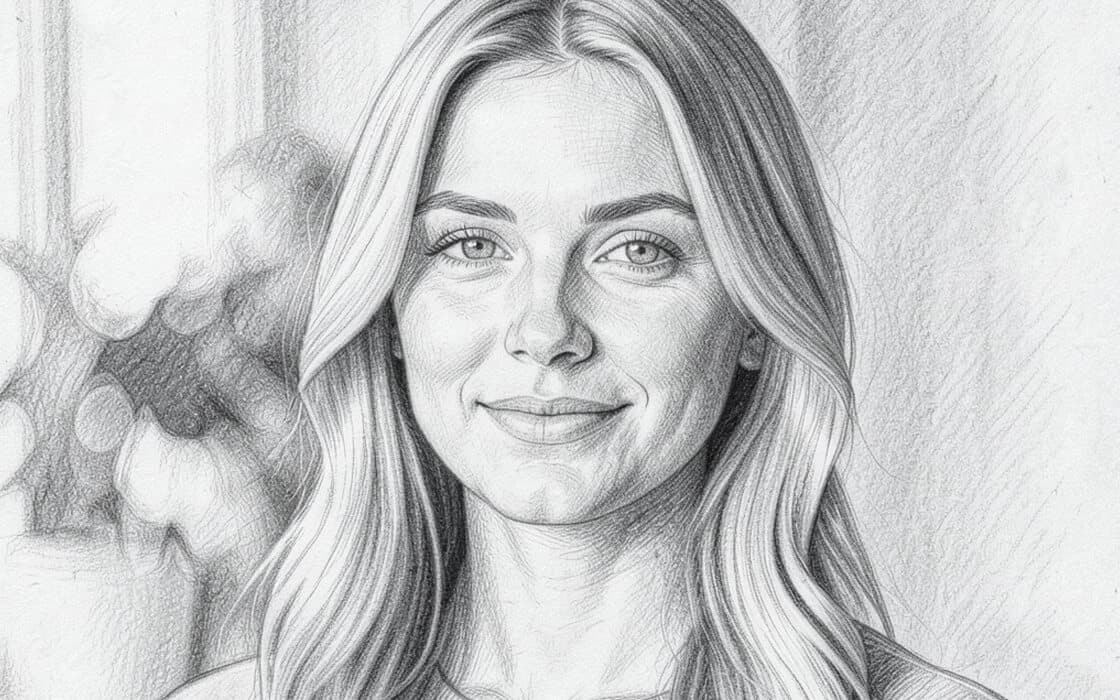
Pencil sketch

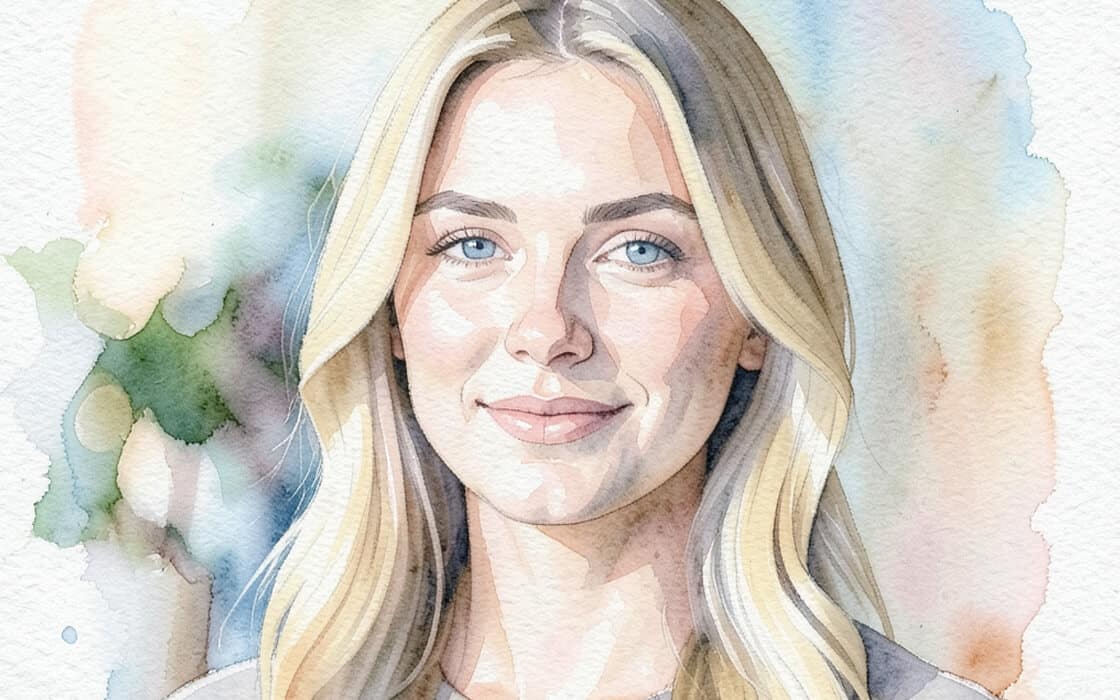
Watercolor

Inspiration for your next AI-generated art:

AI-generated art

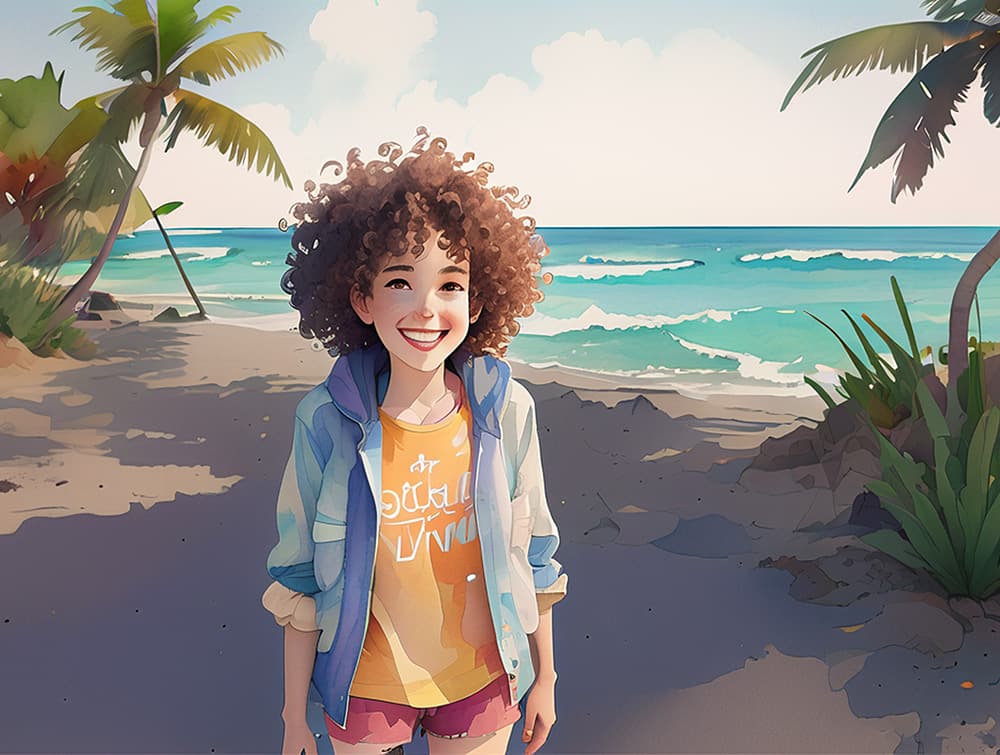
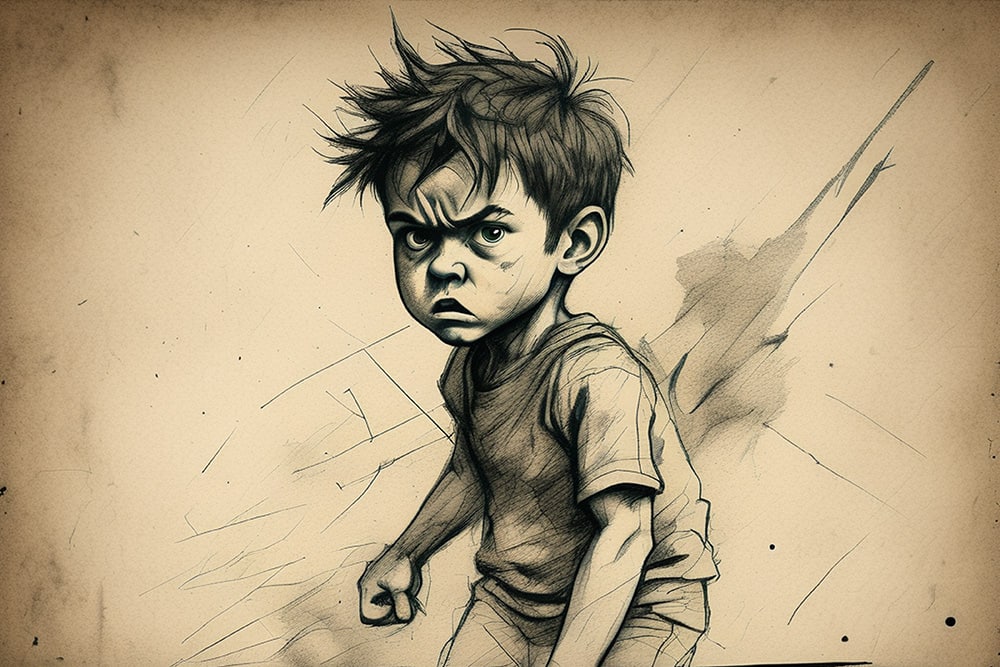
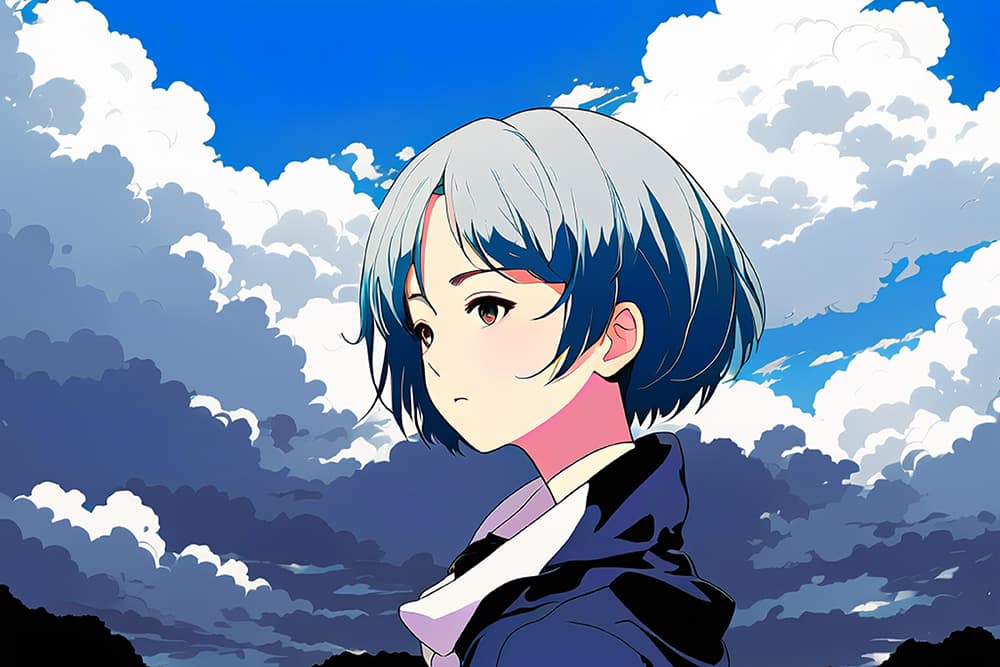
Transform a selfie into an anime hero, Medieval knight, mystical alien, or fun cartoon character. Variations are truly endless!

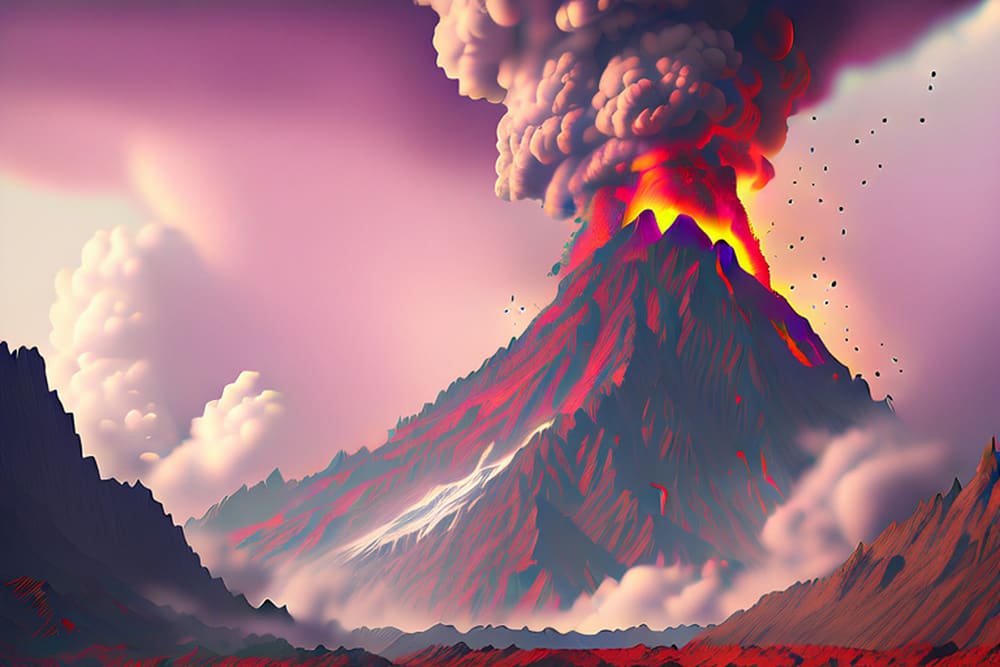
Create your own universes and worlds by transforming space or landscape images into futuristic panoramas existing in your imagination.

AI-generated art
  • Before
  • After
  • Before
  • After
AI-generated art

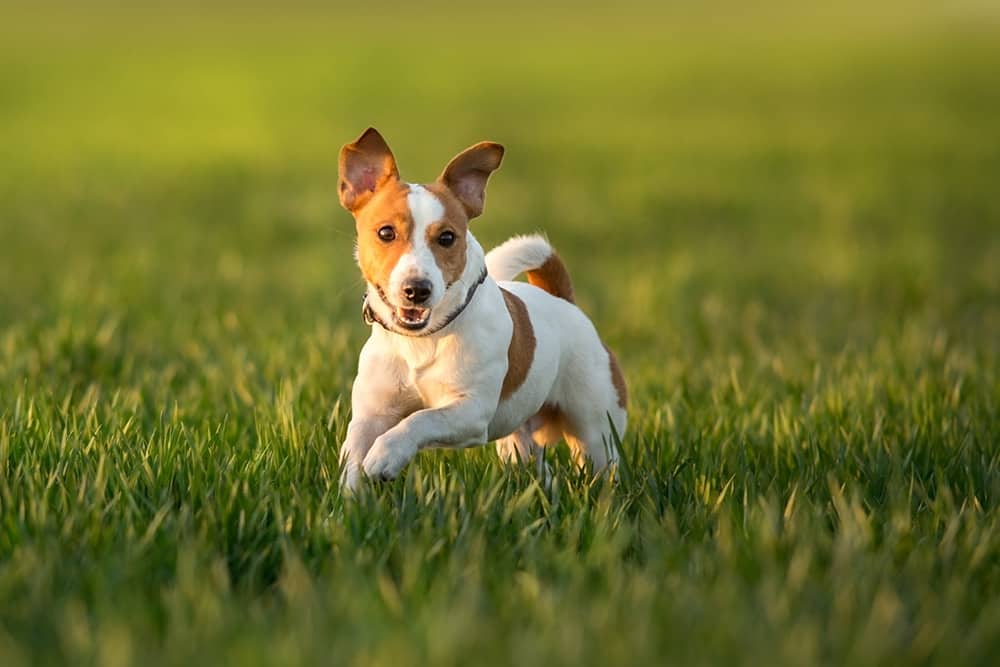
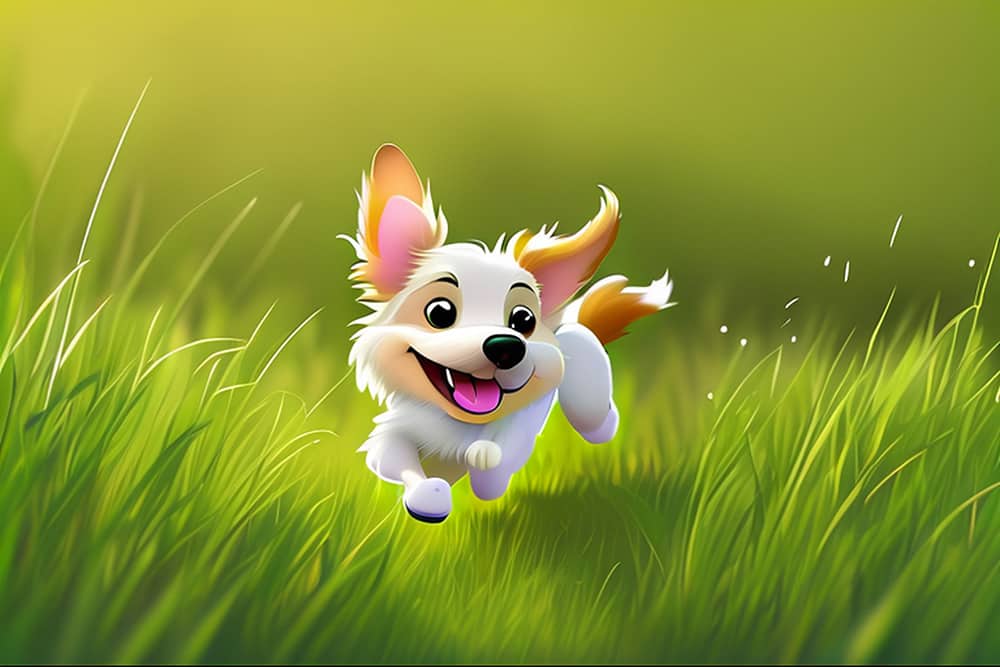
Have fun with your pets’ images by converting them into world screen savers, fairytale characters, or even terrifying wild animals.

Make yourself an artist by mixing styles, generating unpredictable combinations, playing with colors, and adding details. Enjoy!

AI-generated art
AI-generated art
AI-generated art
AI-generated art
AI-generated art
  • Before
  • After

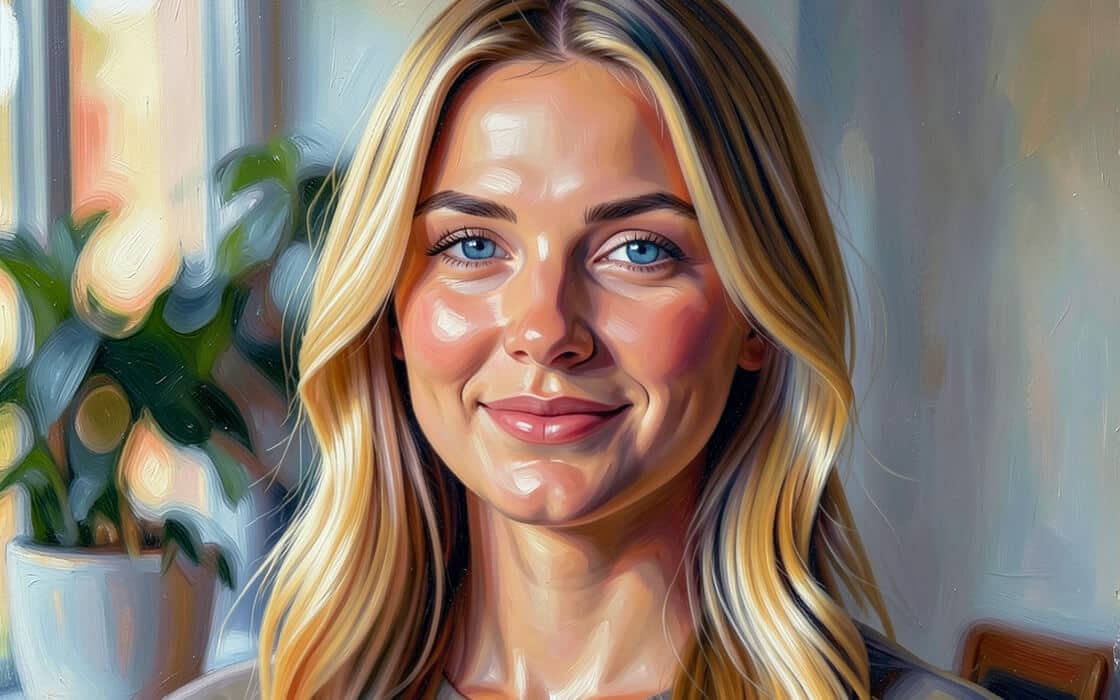
Type the name of your favorite artist or art style. For example, you can enter Van Gogh, Dali, impressionism, glass mosaic, watercolor, or oil painting. If you’re unsure where to start, choose from existing presets to begin experimenting. From there, Vision FX works its magic and creates a transformed image.

AI-generated art
AI-generated art
AI-generated art
AI-generated art
AI-generated art
AI-generated art

Creative opportunities with Vision FX:

  • Create a unique collection of one-of-a-kind, AI-powered images synthesized from your photography or images.
  • Generate incredible paintings, concept art, fun cartoons from family photos or beautiful backgrounds. Or use the software to inspire you!
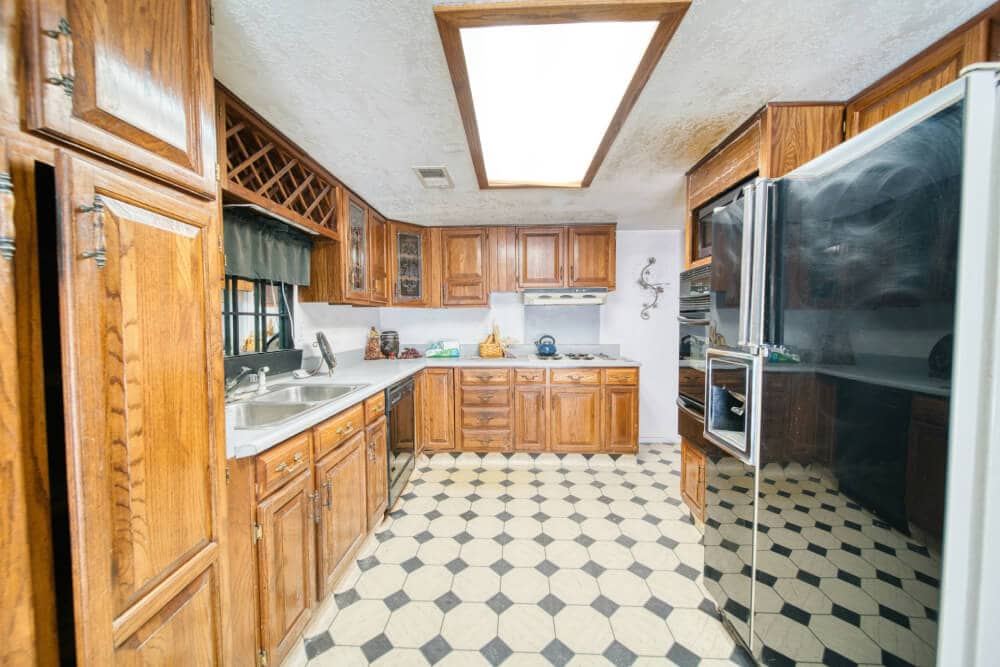
  • Remove backgrounds, change hairstyles, see how you look in a new color, remodel your kitchen – AI image transformation and editing tools put you in control.
  • Bring the finished piece back into your software for final polishing or cut out the parts you like and use them in other projects – the possibilities are endless.

Vision FX FAQs

Technical Specifications

Minimum requirements

  • Operating System: Windows 10 or Windows 11, 64-bit, with latest updates
  • Processor: Multicore Intel Core or AMD Ryzen processor
  • RAM: 12GB
  • GPU: Integrated or discrete graphics
  • Hard Drive: 10 GB available disk space
  • Monitor: 1280 × 800 resolution or higher

Recommended requirements for faster results (using GPU acceleration)

  • Operating System: Windows 10 or Windows 11, 64-bit, with latest updates
  • Processor: Multicore Intel Core or AMD Ryzen processor
  • RAM: 32GB
  • GPU:
    • NVIDIA GeForce RTX 20-series or newer with 6 GB VRAM or more, or;
    • Intel Arc or Intel Iris Xe graphics, or;
    • AMD Radeon RX 6000 series or newer with 12 GB VRAM or more
  • Hard Drive: 10 GB available disk space
  • Monitor: 1920 × 1080 resolution or higher

Note: Additional disk space is required for installed AI models. Model size and hardware requirements vary by model. Some models may require more RAM, VRAM, or disk space than the recommended application specifications listed above. Use Model Hub to see which models are compatible with your system and which configuration settings are recommended.

Supported languages: English only

Discover the power of Vision FX

Buy now